
Rate this tool
No ratings yet — be the first to rate!
Total ratings: 0
Free QR Code Generator
A QR code turns a typed link into something a phone camera can read in a second. This generator encodes links, plain text, and WiFi details into a square code you can download as a PNG and print on a menu, a visiting card, a poster, or a product label. Because these are static codes, the link or text lives inside the code itself, so it keeps working as long as the destination stays live. Below, the exact numbers from a test run on 14 November 2026 — four sizes of a real code, downloaded and decoded to check they really open the right page.
QR code generator: from link to printed code in five steps
- Type the link, text, or WiFi details into the box. Double-check the spelling, because a typo becomes part of the printed code.
- Choose an image size. Larger sizes print more clearly, so pick 512 or 1024 pixels for anything that will go on paper.
- Click "Generate QR Code" and inspect the code on screen before downloading.
- Click "Download PNG" to save the code to your device.
- Scan the downloaded code with your own phone camera before printing. A test scan catches errors while they are still cheap to fix.
Tested on 14 November 2026: two real codes, measured
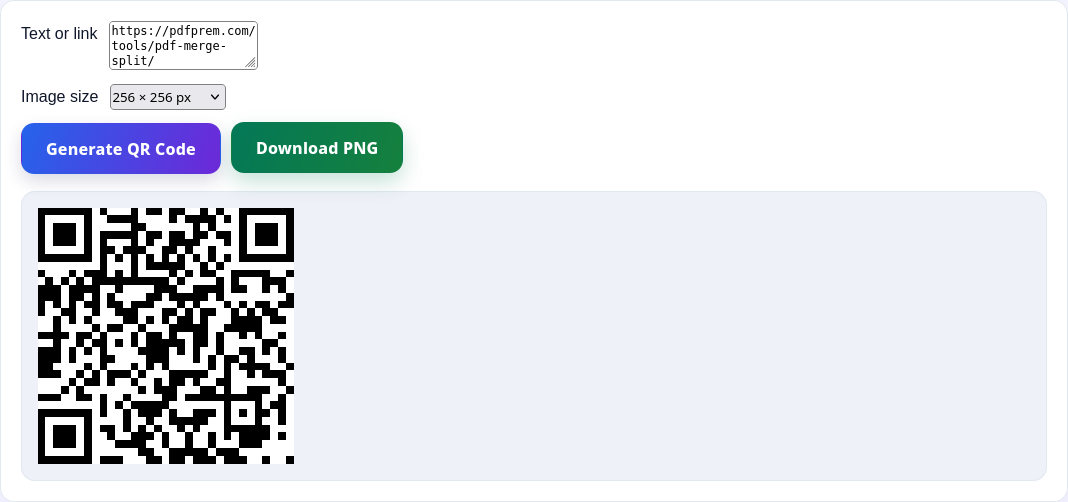
We ran this tool ourselves on 14 November 2026. First we generated a code for the PDF Prem homepage, https://pdfprem.com, at every size the tool offers, and downloaded each PNG. A second code followed, for a longer address — the merge-split tool page (https://pdfprem.com/tools/pdf-merge-split/) — at 256 pixels. Here is what came out:
| Code generated | Size chosen | Downloaded PNG | Print width at 300 dpi |
|---|---|---|---|
| https://pdfprem.com | 128 × 128 px | 128 × 128 px, 2,540 bytes | 1.1 cm |
| https://pdfprem.com | 256 × 256 px | 256 × 256 px, 6,194 bytes | 2.2 cm |
| https://pdfprem.com | 512 × 512 px | 512 × 512 px, 12,949 bytes | 4.3 cm |
| https://pdfprem.com | 1024 × 1024 px | 1024 × 1024 px, 29,826 bytes | 8.7 cm |
| https://pdfprem.com/tools/pdf-merge-split/ | 256 × 256 px | 256 × 256 px, 7,714 bytes | 2.2 cm |
Two things stand out. First, the longer link makes a denser code and a bigger file: at the same 256-pixel size, the merge-split code is 7,714 bytes against 6,194 bytes for the short homepage link, because more characters mean more black modules. Short links really do make simpler codes, exactly as the tips below say. Second, the 1024-pixel file is only 29,826 bytes — under 30 KB — so even the largest code is light enough to attach to an email or drop into a poster layout without thinking about file size.
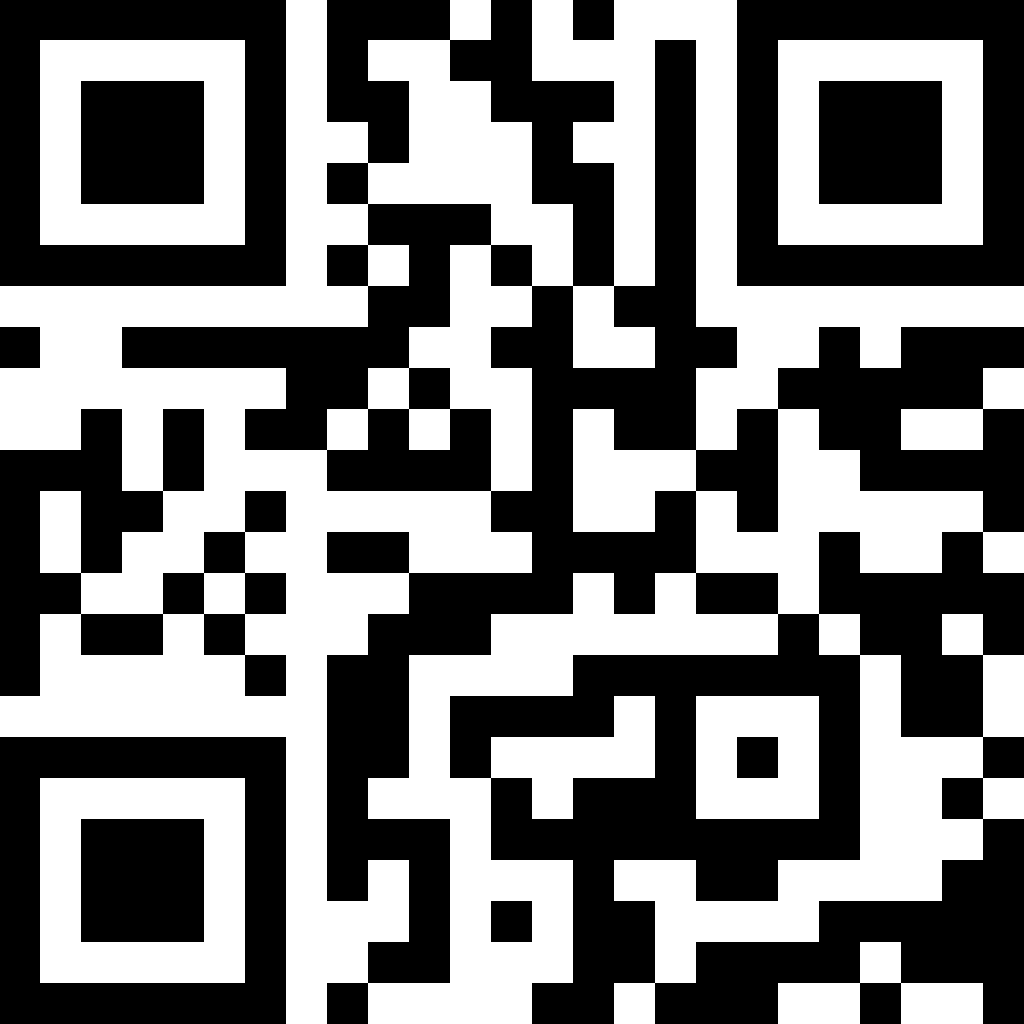
https://pdfprem.com — the actual file from the test, 29,826 bytes.We also checked that the codes genuinely open the right pages. Each downloaded PNG was read back with a QR decoder (OpenCV). All three files we decoded — the homepage code at 256 and 1024 pixels, and the merge-split code at 256 — decoded to exactly the address we typed in. One honest detail from that check: the downloaded PNG has no white border of its own. Black modules run right to the edge of the image, so a strict decoder failed on the raw file and only read it once we added the standard white quiet zone around it. Phone cameras are more forgiving than a strict decoder, but the lesson is the same either way — never print a code hard against other artwork. Leave a clear white margin, as the next section shows.
Print-size table: visiting card, table stand, poster, billboard
The right size depends on how far away the scanner stands. The rule of thumb printers use is simple: the code should be about one-tenth of the scanning distance. A code scanned from 50 cm away should be about 5 cm wide; one scanned from 2 metres away should be about 20 cm wide. The print widths below come from the real downloaded files — pixels divided by 300 dots per inch, times 2.54 to get centimetres — worked out, not guessed.
| Where it goes | Scanning distance | Minimum printed size | Use this size in the tool | What it prints at |
|---|---|---|---|---|
| Visiting card | About 15 cm (held in hand) | 2 cm | 256 px | 2.2 cm at 300 dpi |
| Table stand / cafe menu | About 50 cm (sitting at the table) | 5 cm | 1024 px | 8.7 cm at 300 dpi |
| Shop poster / notice board | About 1–2 m (walking past) | 10–20 cm | 1024 px | 17.3 cm at 150 dpi |
| Billboard / hoarding | 5 m or more (from the road) | 50 cm or more | Not this tool | 1024 px only reaches 17.3 cm at 150 dpi — far too small |
Three notes on the table. First, the visiting-card row matches the FAQ below: at least 2 cm for close use, and the 256-pixel download prints at 2.2 cm at 300 dpi, just over that line — but with no room to spare, so use 512 pixels (4.3 cm) if the card design allows a bigger code. Second, the table-stand row corrects the old cafe example: a 1024-pixel code prints at 8.7 cm at 300 dpi, so printing it at 5 cm is fine, but printing it at 2 cm would have been too small for a seated customer. Third, the billboard row is a limit, not a recommendation. A 1024-pixel PNG cannot cover a hoarding; at 150 dpi it is only 17.3 cm wide, and stretching it larger just blurs the modules. For a billboard, ask the printer for a vector version (SVG or EPS) from a designer, or use a dedicated large-format code — do not upscale this PNG.
One more practical point: the dpi number matters as much as the pixel count. The same 1024-pixel file prints at 8.7 cm on a 300-dpi printer and 17.3 cm on a 150-dpi one. If your printer asks for the file at a set size, tell them the pixel size (1024 × 1024) and let them set the dpi — the code itself does not change, only how large each pixel is printed.
What the test found: leave a white margin, always
The most useful finding from the test was not about size at all — it was about the margin. The downloaded PNG has no quiet zone built in: the top row of the 1024-pixel file is mostly black (778 of 1024 pixels), and the corners of the image are black modules, not white space. That is normal for this generator, which is why this page warns you to leave a quiet white margin. In practice it means: when you place the code in a poster, card, or menu design, add white space around it at least as wide as four of the code's small squares on every side, and never let text, a logo, or a coloured background touch the code's edge. A code printed edge to edge against a busy design is the single most common reason a printed code fails to scan — more common than printing too small.
Test the finished item, not just the screen preview. Print one copy, hold your phone at the distance a customer would, and scan it. Check it in the light where it will actually hang — a code under a glossy lamination or a tube light can pick up reflections that the screen preview never shows. If it scans first time on the printed copy, it will scan for everyone else too.
Five habits that make codes scan first time
- Leave a quiet white margin around the code. A code printed edge to edge against a busy design scans poorly.
- Print dark codes on a light background. Light-on-dark or low-contrast colour pairs look stylish and scan unreliably.
- Size follows distance. A code scanned from across a room must be much larger than one scanned from a table.
- Short links scan more reliably than very long ones, because shorter content makes a simpler, less dense code.
- Test the final printed copy, not just the screen preview. Paper, lighting, and lamination all affect a real scan.
Frequently asked questions
Do the QR codes expire?
No. These are static QR codes — the content is encoded directly in the code itself, so they work forever as long as the link stays valid.
Can I use the QR codes for commercial purposes?
Yes. The QR codes you generate are yours to use anywhere — products, packaging, advertisements, menus and posters.
My QR code is hard to scan. What should I do?
Regenerate it at a larger size (512 or 1024 px), keep a clear quiet zone around the printed code, and make sure it prints large enough — at least 2 cm for print use.
What size should I print a QR code?
At least 2 centimetres wide for close use such as a visiting card, and larger as scanning distance grows. A 1024-pixel PNG prints at about 8.7 centimetres wide at 300 dots per inch, which suits most posters and table stands.
Can a QR code store WiFi details?
Yes, if you enter the WiFi details in the form the tool accepts. A guest who scans the code can then join the network without typing a long password, which is handy for cafes, hotels, and offices.
Why does my QR code fail on a curved surface?
Curved or wrinkled surfaces distort the square pattern, and glossy lamination can add reflections that confuse a camera. Print on a flat, matte surface where possible, and test a scan on the finished item before distributing it.
Can I change the link after printing the code?
No. A static code contains the link itself, so changing the destination means generating and printing a new code. If a link may change later, keep the printed code pointing at a page address you control and update that page instead.
Want the full walkthrough with screenshots? Read the guide: How to Create a QR Code — step by step →